08 / Personal app
Little Things
A scrapbook diary that stays on the phone.
Problem
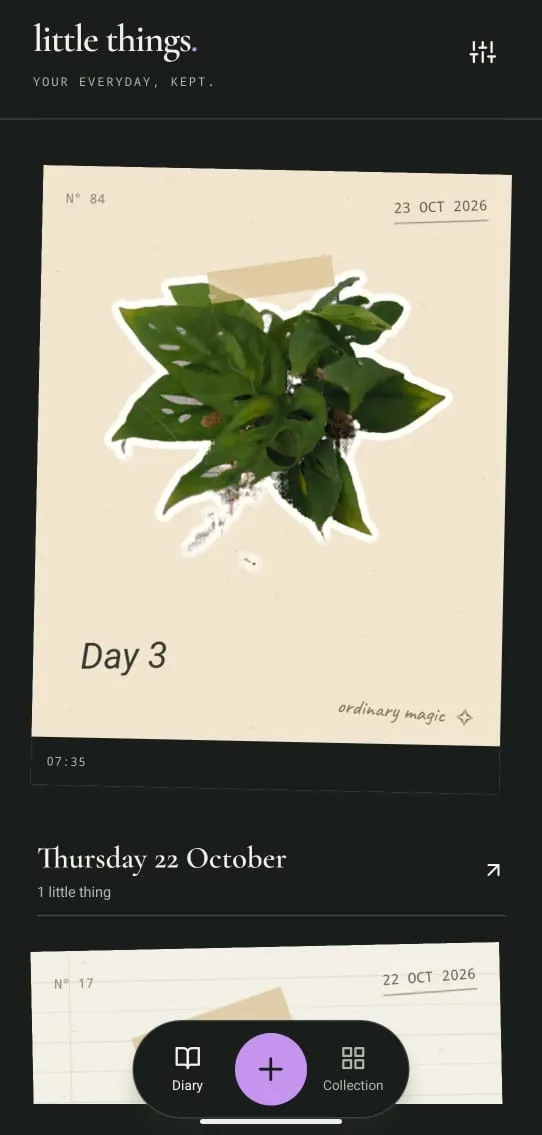
A diary of small, everyday moments: the scraps worth keeping are objects in a photo, not the whole photo, and they are personal.
My part
A personal Android app built end to end: camera, on-device cutouts, the scrapbook composer, local storage, video and export, through 21 versioned test builds.
The hard part
Lifting an object out of a photo or a short video entirely on the phone, with tools to refine the edges a model gets wrong.
-
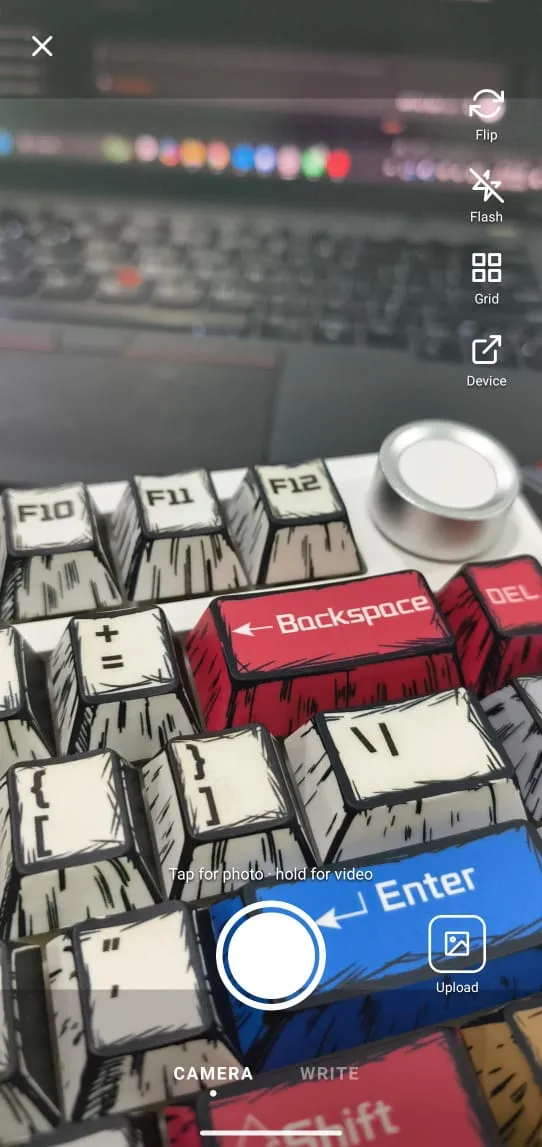
Capture
A 4:3 camera preview, hold-to-record video, or the system photo picker.
-
Cut
Hold an object to lift it with on-device EdgeTAM; trace, erase, restore and undo.
-
Keep
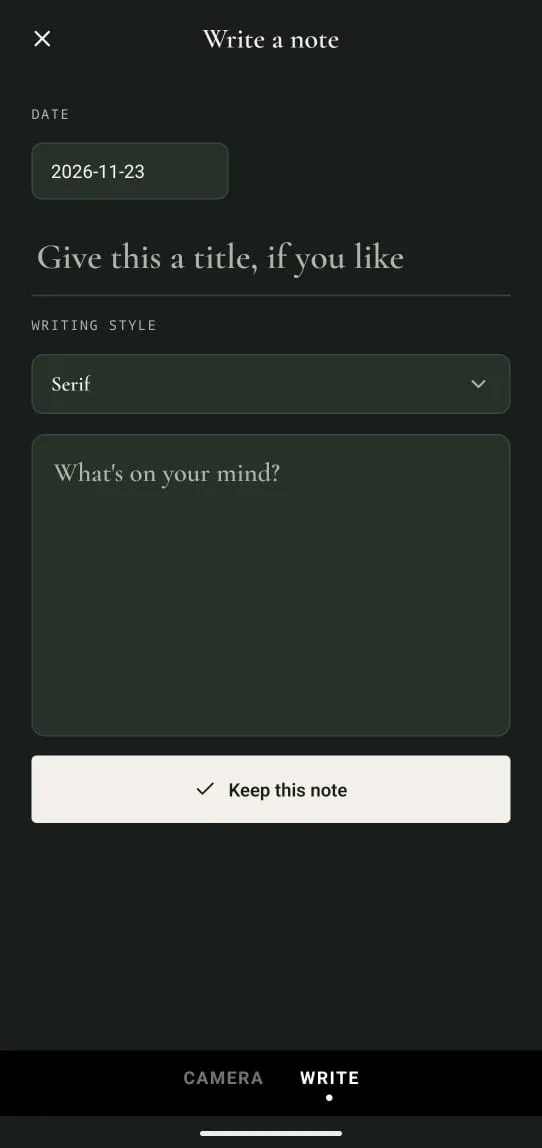
Paper themes, caption, place and date; export a high-resolution PNG.
A diary made of cutouts
Little Things is a mobile scrapbook diary built around four verbs: notice, capture, cut and keep. A photo or short clip becomes a cutout on a paper page, with a caption, a place and a date. Pages build into a chronological diary, a daily collage and a searchable collection.
The app is built with Expo, React Native and TypeScript, using Expo Router for navigation and SQLite for metadata. Original captures, cutouts and the flattened scrapbook image are stored separately, so an edit never destroys the original.
Lifting an object on the device
Holding an object in the photo lifts it out with a bundled EdgeTAM model running through ONNX Runtime on the phone’s CPU. Later versions added guided box selection with include and exclude prompts, alternate outlines for ambiguous taps, and pinch inspection up to four times for precise selection.
Models get fine hair, transparent objects and cluttered edges wrong, so a slide-up tray offers trace, crop, erase, restore and undo. Masks persist, so a cutout can be re-edited later. Video followed the same path: sampled tracking places a mask through a short clip, with bounded motion prediction for brief misses.
One composition for preview and export
A cutout that looks right on screen has to export the same way. Preview and export share explicit pixel alpha composition: source alpha multiplied by a grayscale mask, with the transparency checker drawn behind the result. Settled previews render at the screen’s physical density, capped at a 2048-pixel working edge.
Private by default
There is no account, backend, analytics, cloud processing or automatic upload, and core use works offline. Android cloud backup and device transfer are disabled for app data, so export is the way to keep a copy. Any future sync is planned around private, authenticated storage, never credentials inside the app.
Built and tested on the phone
Each change shipped as a versioned release build, from 0.1 to 0.12, and each version note lists the phone checks to run: holding a mug’s body and handle, denying camera permission, force-stopping and reopening. The native build is the test surface, because the camera, gestures and on-device inference only behave honestly on a real phone.
What this work demonstrates
Little Things combines mobile interface work with on-device machine learning and careful local data handling. The thread through it is trust: the cutout you see is the one you keep, and the diary stays on the phone.